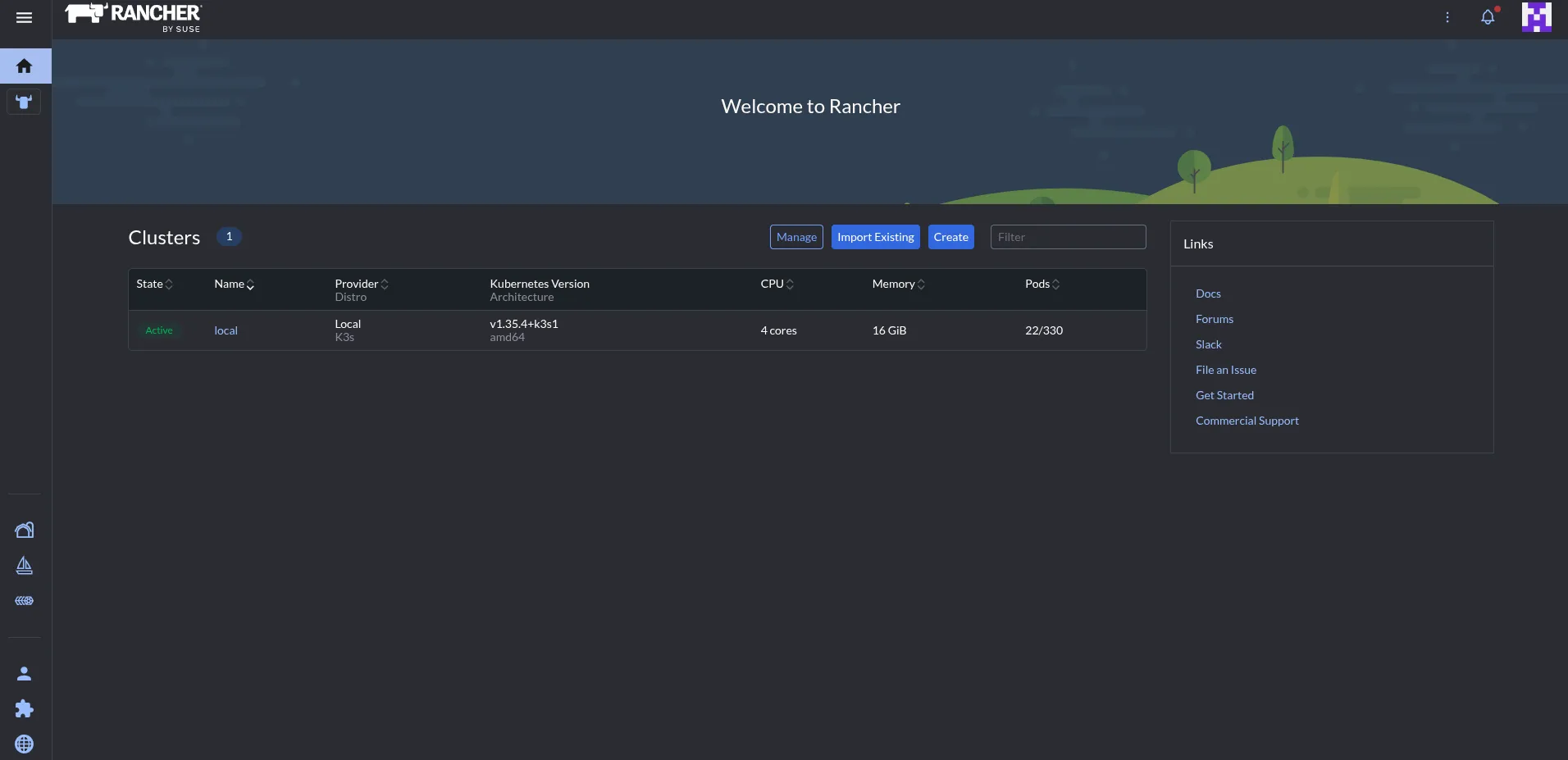
Rancher is a tool used for managing k8s and in this case k3s. You can manage what you need via the CLI but it would be a good project to learn how to deploy rancher as its handy to have and learn
To get started with rancher we need to install helm onto our controller plane.
Helm is a package manager for k8s and we can use this to install Rancher.
You can find the helms install guide by clicking ‘here’. I ran
curl -fsSL -o get_helm.sh https://raw.githubusercontent.com/helm/helm/main/scripts/get-helm-4
chmod 700 get_helm.sh
./get_helm.sh
Then I ensured my k3s config file was set.
echo export "KUBECONFIG=/etc/rancher/k3s/k3s.yaml" >> ~/.bashrc
and to ensure it was persistent by setting it in my environment file where than can log in and out or can run.
source ~/.bashrc
Next I added the rancher repo using helm
helm repo add rancher-latest https://releases.rancher.com/server-charts/latest
helm repo update
We need to create a namespace in k3s. Name spaces are used to create sort of isolated segments good for keeping things organised
kubectl create namespace cattle-system
[root@k3s-man-01 ~]# kubectl get namespaces
NAME              STATUS   AGE
cattle-system     Active   3d23h
Next step is a CRD. This stands for Custom Resource Definition its how we can get k3s to learn / use new objects and expand upon it.
kubectl apply -f https://github.com/cert-manager/cert-manager/releases/download/v1.18.2/cert-manager.crds.yaml
Then we can get our cert-manager to issue our certs for our k3s cluster and rancher
kubectl apply -f https://github.com/cert-manager/cert-manager/releases/download/v1.18.2/cert-manager.crds.yaml
helm install cert-manager jetstack/cert-manager \
  --namespace cert-manager \
  --create-namespace
We can view the cert manager in our pods now its been installed
[root@k3s-man-01 ~]# kubectl get pods -n cert-manager
NAME                                       READY   STATUS    RESTARTS        AGE
cert-manager-5957746d66-bs5r6              1/1     Running   4 (5h52m ago)   24h
cert-manager-cainjector-567c6b47ff-7hcpb   1/1     Running   3 (9h ago)      24h
cert-manager-webhook-7cc5c588cb-wpc7s      1/1     Running   0               24h
[root@k3s-man-01 ~]#
Now to install rancher onto our control plane
helm install rancher rancher-latest/rancher \
  --namespace cattle-system \
  --set hostname=rancher.Yourdomain \
  --set replicas=1
NAME: rancher
LAST DEPLOYED: Mon May 18 22:43:55 2026
NAMESPACE: cattle-system
STATUS: deployed
REVISION: 1
TEST SUITE: None
NOTES:
Rancher Server has been installed. Rancher may take several minutes to fully initialize.

Please standby while Certificates are being issued, Containers are started and the Ingress rule comes up.

Check out our docs at https://rancher.com/docs/

## First Time Login

If you provided your own bootstrap password during installation, browse to https://rancher.192.168.0.84.sslip.io to get started.
If this is the first time you installed Rancher, get started by running this command and clicking the URL it generates:


echo https://rancherserver/dashboard/?setup=$(kubectl get secret --namespace cattle-system bootstrap-secret -o go-template='{{.data.bootstrapPassword|base64decode}}')


To get just the bootstrap password on its own, run:


kubectl get secret --namespace cattle-system bootstrap-secret -o go-template='{{.data.bootstrapPassword|base64decode}}{{ "\n" }}'


Happy Containering!